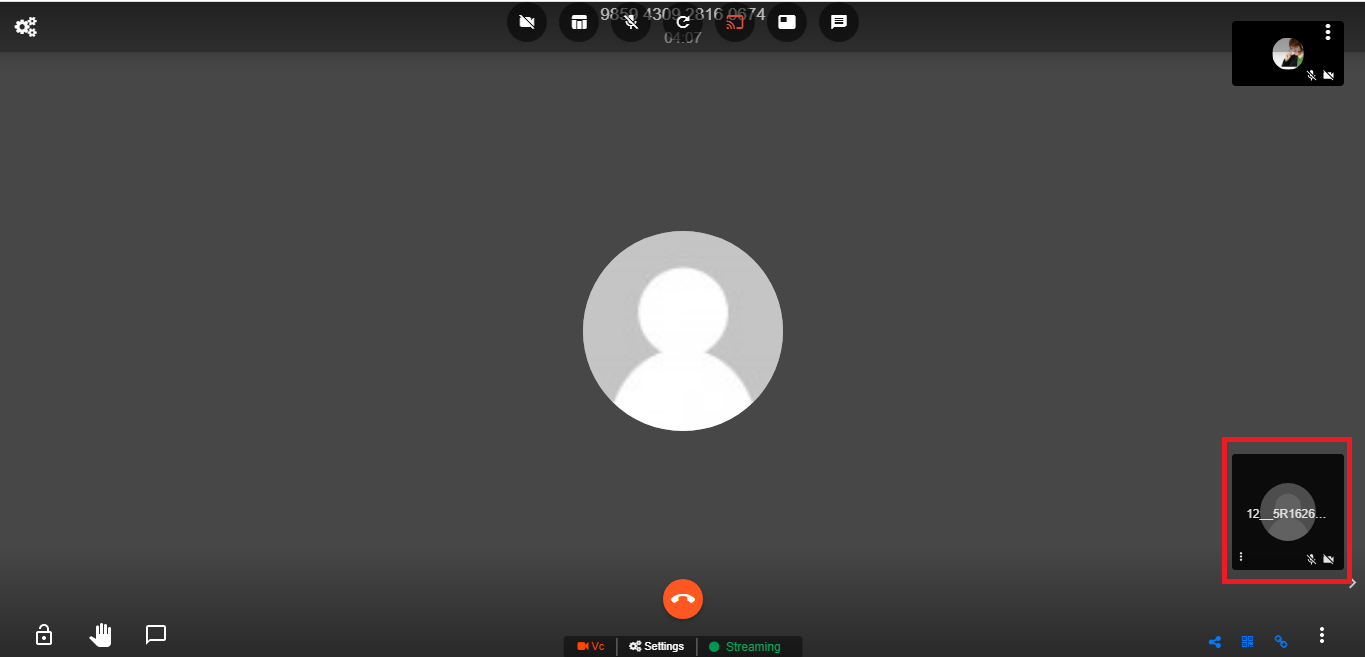
External user allowed to be pulled in VC
description: External user allowed to be pulled in VC
External user allowed to be pulled in VC
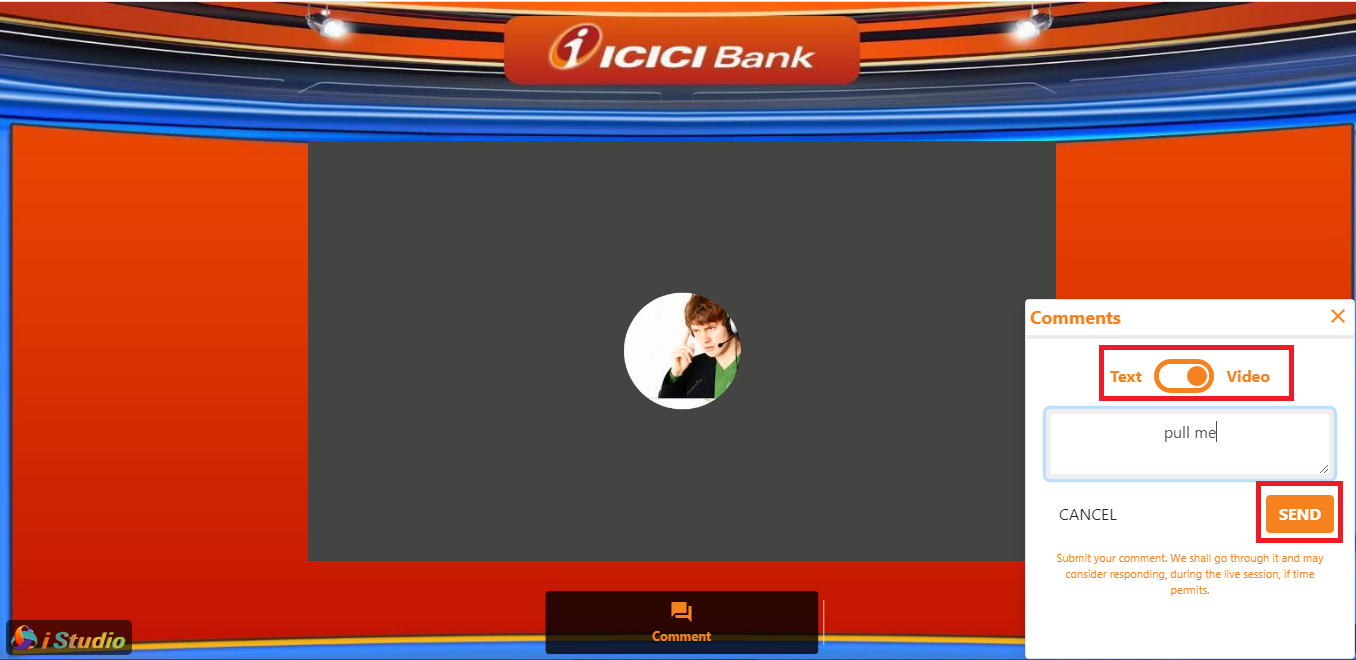
Light app public viewer can send video text by clicking on Send button .
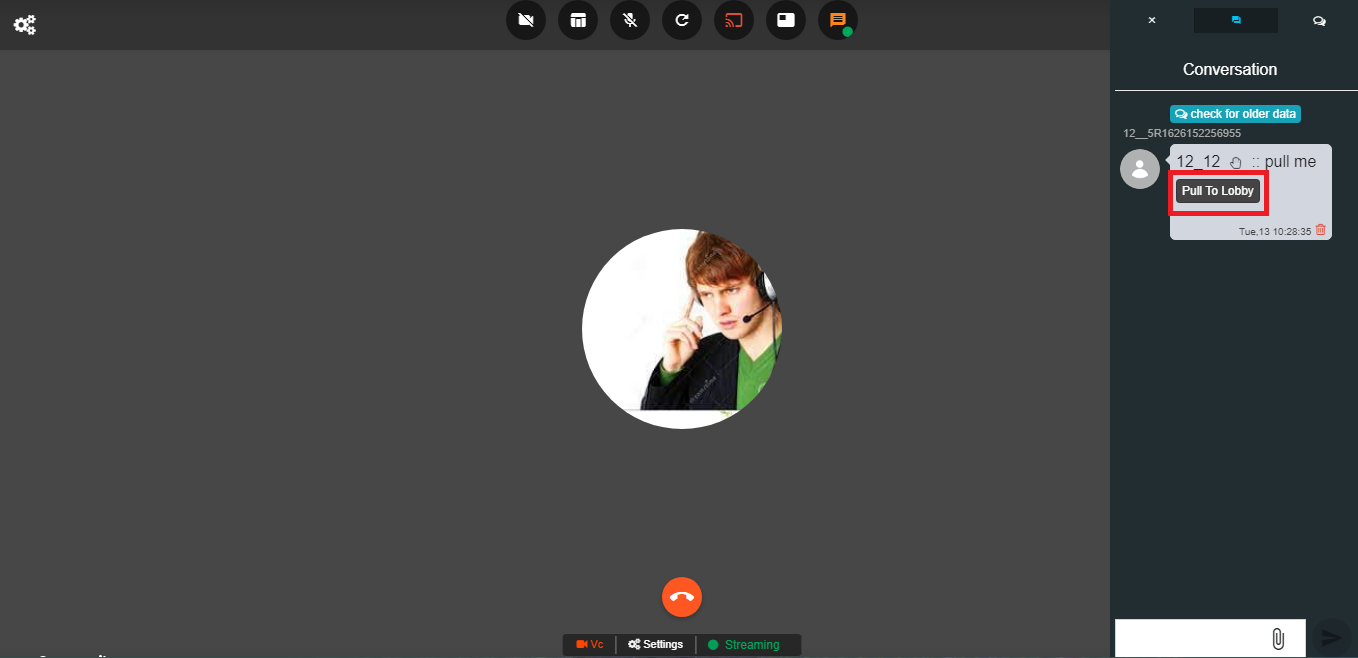
The meeting owner can pull the light app public viewer by clicking on Pull to Lobby button .
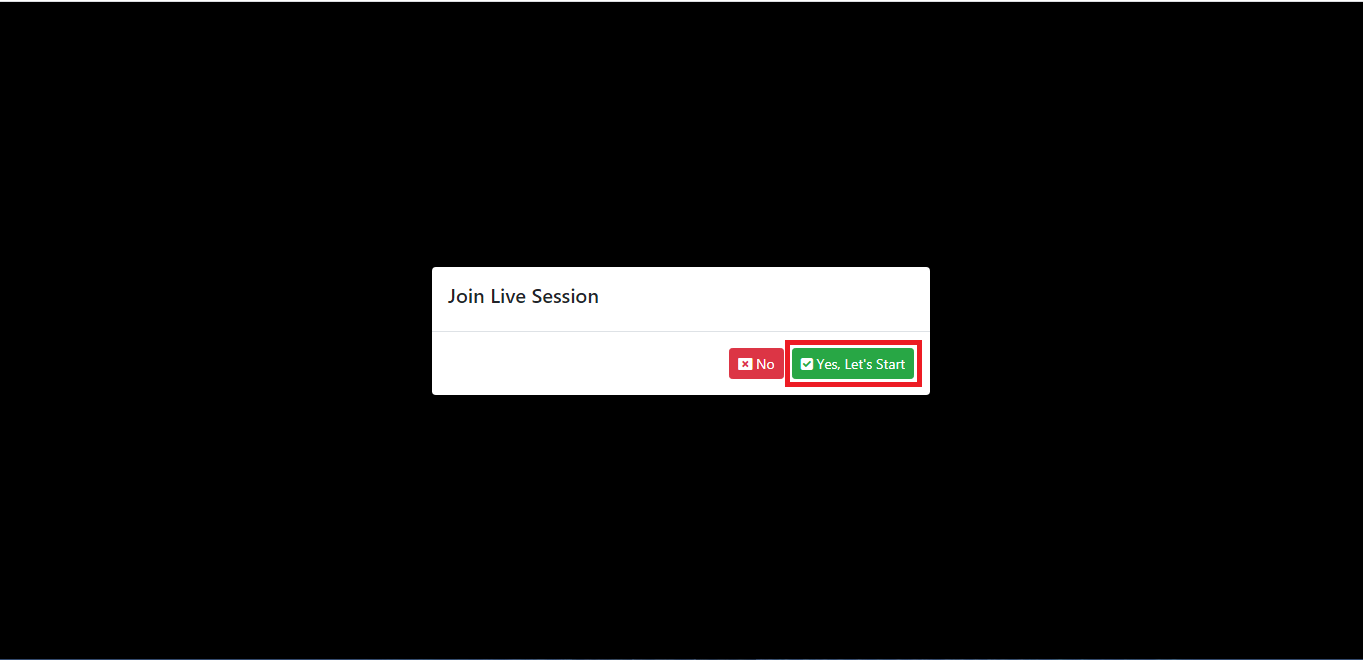
When light app public viewer click on Yes Let"s Start button and then that user can join live session .